Case Study
ArchPlanReview
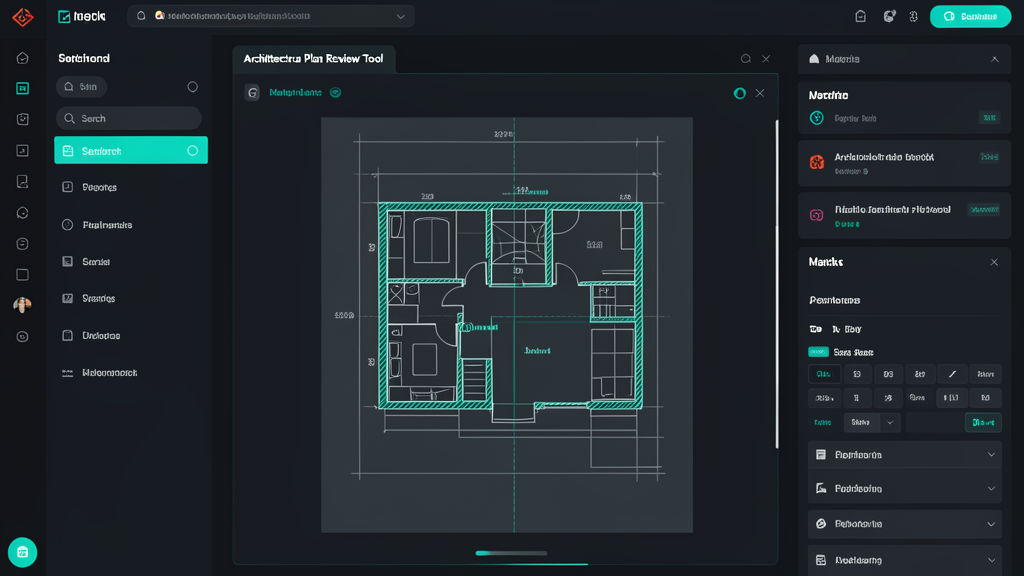
Lets you search architectural plan documents by room, fixture, or spec instead of flipping through PDFs.
The Problem
Why this exists
Architectural plans are dense PDFs full of rooms, dimensions, and fixture callouts. Finding one spec means flipping through pages of blueprints — project managers and contractors do this constantly and it's slow.
How It Works
From input to outcome
Upload or reference plans
Drop in PDF plan sets. The system parses each document and links it to project metadata so you always know which revision you're searching.
Index rooms, fixtures, and specs
Text extraction pulls room names, dimensions, fixture labels, and callouts into searchable passages. Every result links back to its source page.
Search naturally or by spec
Type "conference room dimensions" or "third-floor electrical specs" — both work. Keyword matching handles exact numbers, semantic search covers natural language.
Compare revisions
When plans get updated, the old version stays searchable alongside the new. You can see exactly which spec changed between revisions.
Technical Decisions
Why build it this way
Text extraction over CAD parsing
Most plan PDFs have readable labels and callouts. Full CAD parsing would be more powerful but way more complex — text got us 90% of the value with 10% of the effort.
Keyword + semantic, not just one
Pure vector search misses exact numbers ("24x36 window"). Pure keyword misses paraphrases. Combining both covers the real ways people query plans.
Results
What it enables
Find any room or spec in seconds instead of flipping pages
Track which spec applies to which plan revision
What's Next
Planned improvements
- CAD file support for .dwg/.dxf
- Auto-dimension extraction from callouts