Case Study
ExpenseTracker
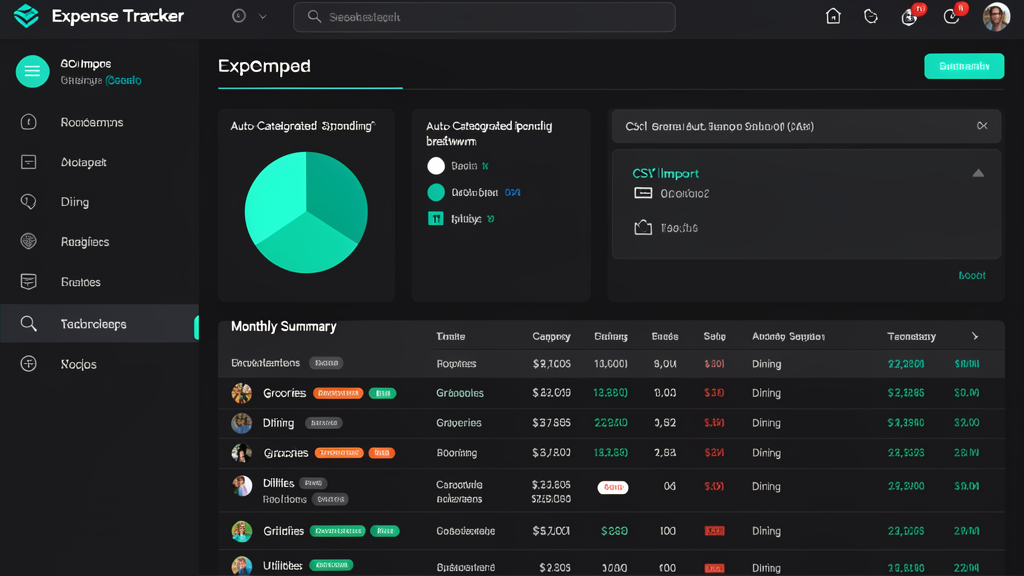
Imports CSV bank exports, auto-categorizes transactions, flags anomalies, generates monthly reports.
The Problem
Why this exists
Bank CSV exports are raw data dumps — no categories, no summaries, no insights. Freelancers and small business owners spend hours every month manually tagging transactions and reconciling. I watched someone do this in Excel for an entire afternoon and decided that was enough.
How It Works
From input to outcome
Drop in a CSV
Bank or credit card export. The system auto-detects the column layout — no mapping step needed.
Auto-categorize
Merchant name patterns and amount ranges tag each transaction: groceries, dining, utilities, transportation, and so on. Rules learn from manual corrections over time.
Technical Decisions
Why build it this way
Rule-based, not LLM
Merchant patterns and amount ranges are deterministic, instant, and predictable. No API costs, no variable latency, no "the AI was down" excuses for something as straightforward as categorizing a Starbucks charge.
Statistical anomaly detection
Simple deviation-from-baseline catches duplicates and unusual charges. Catches billing errors without making you manually review every entry.
Results
What it enables
Monthly categorization drops from hours to under 5 minutes
Duplicate and suspicious charges flagged automatically
What's Next